7. Group Control
7.1 Project Introduction
This section demonstrates controlling multiple robots via a mobile device.
7.2 Program Download
Open the Hiwonder Python editor and load the main.py file for group control.
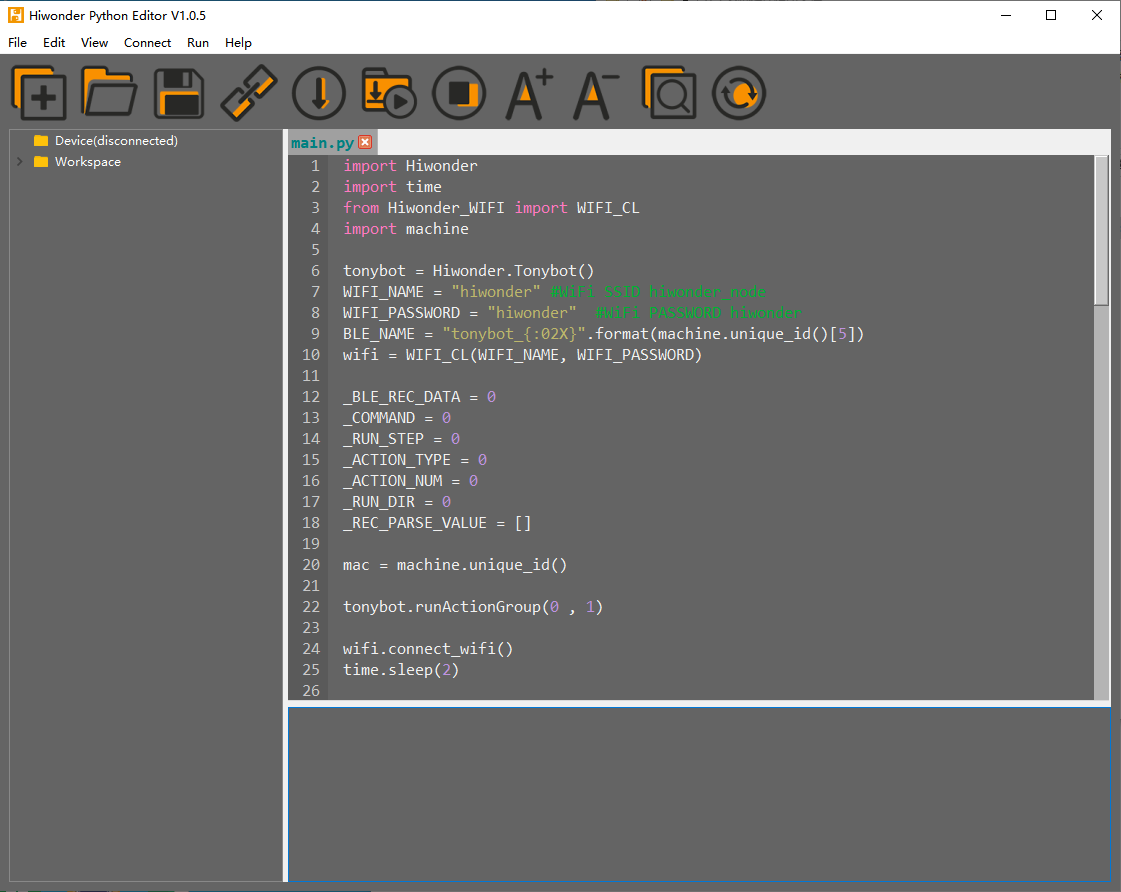
Modify the Wi-Fi name and password to match those of the local network.
Connect the robot and download the main.py file onto the robot. Please note that each robot to be controlled requires this download. Once the download is complete, disconnect the data cable, power off the device, and reboot.

7.3 Operation Steps
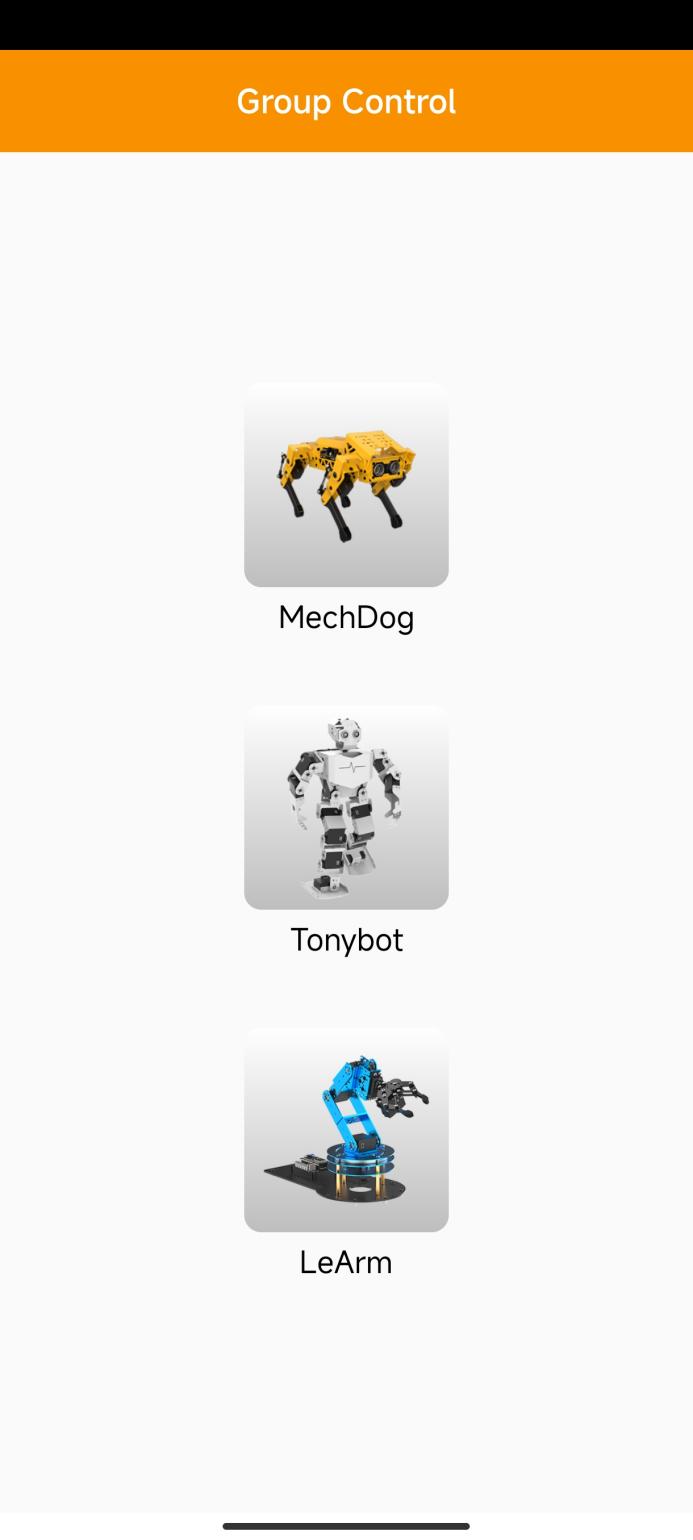
Connect both the mobile device and robots to the same Wi-Fi network. Open the group control app and select the corresponding robot.
Tap the refresh button to see the robots connected to the same Wi-Fi network.
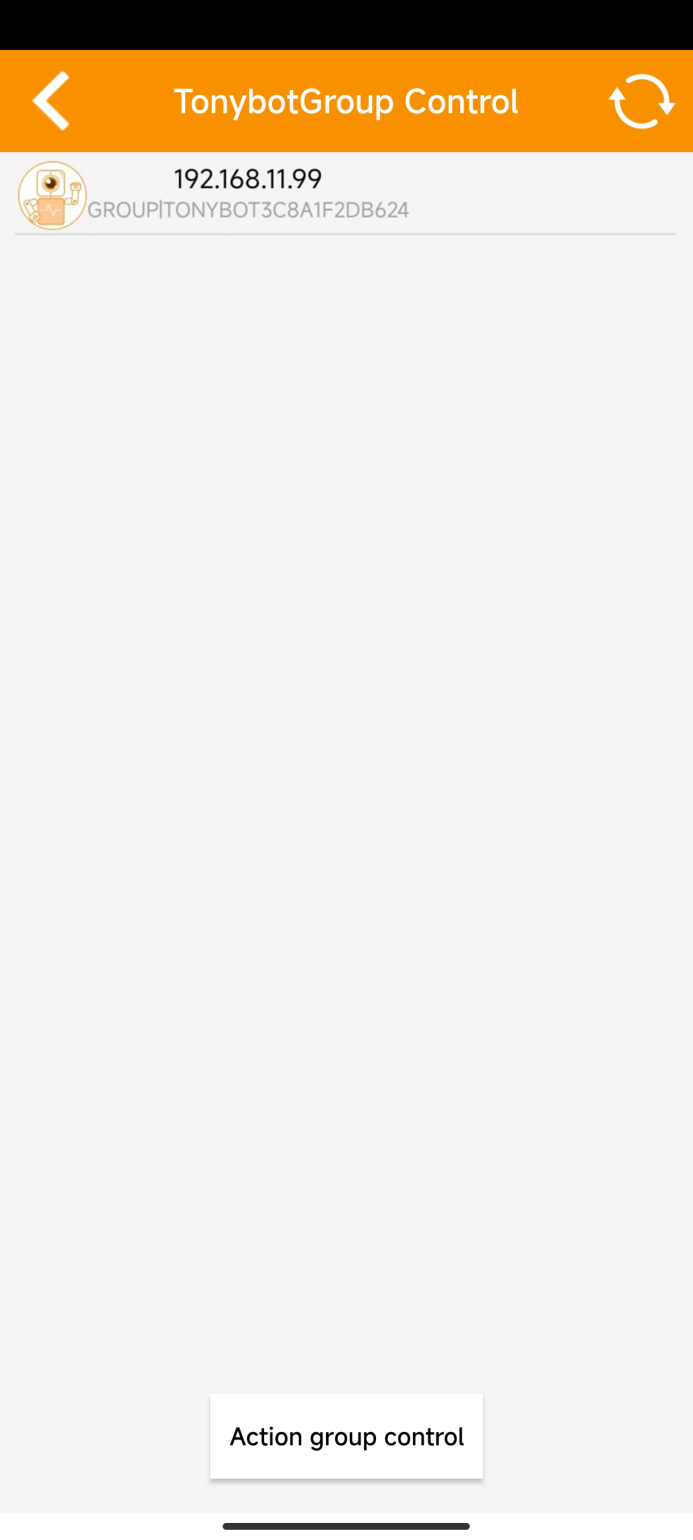
Next, tap the Action group control button to choose a default action group. All robots will execute the selected action simultaneously.
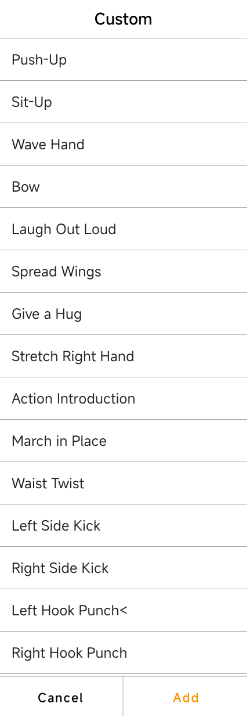
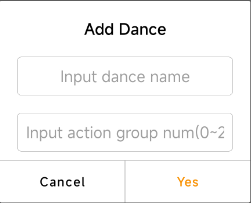
Tap the Add button to create a custom action group. For custom action groups, they must first be imported into each robot via the PC software. Once imported, all robots will execute the custom action group.