8. Group Control
8.1 Project Introduction
In this section, we will discuss how to control multiple MechDog robots using a mobile phone.
8.2 Operation Steps
(1) Open the Editor: Launch the Hiwonder Python Editor and open the main.py file for group control.
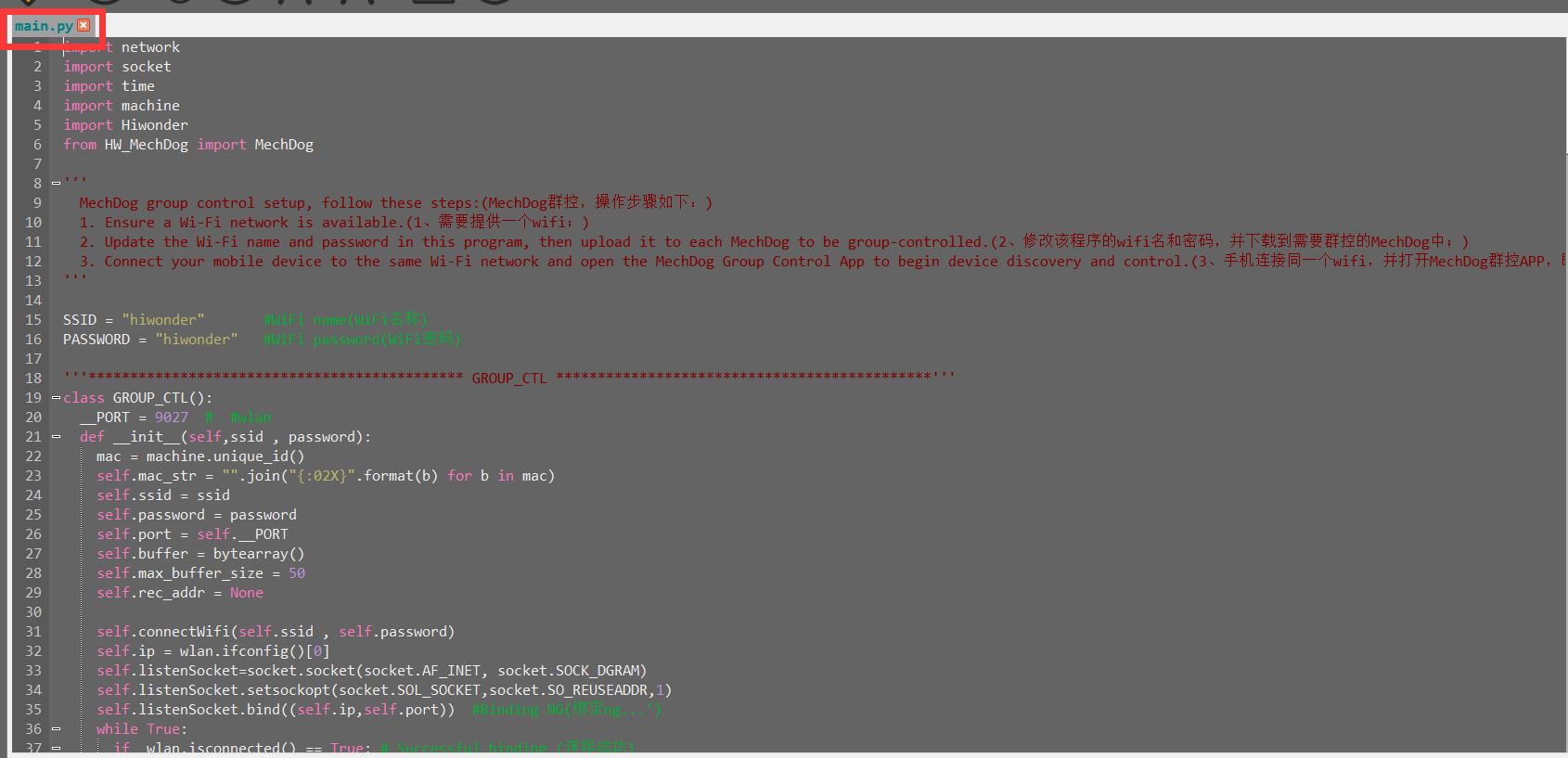
(2) Modify the Wi-Fi name and password to match your router’s settings.

(3) Download the main.py file to each MechDog you wish to control (each MechDog requires this file).
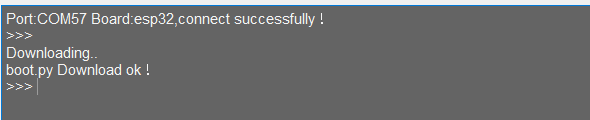
(4) After downloading, power off and restart the MechDog. Once it connects to the Wi-Fi, it will stand up.
(5) Ensure your phone and the MechDog are connected to the same Wi-Fi network. Open the group control app and click the refresh button to see the MechDog devices on the same network.
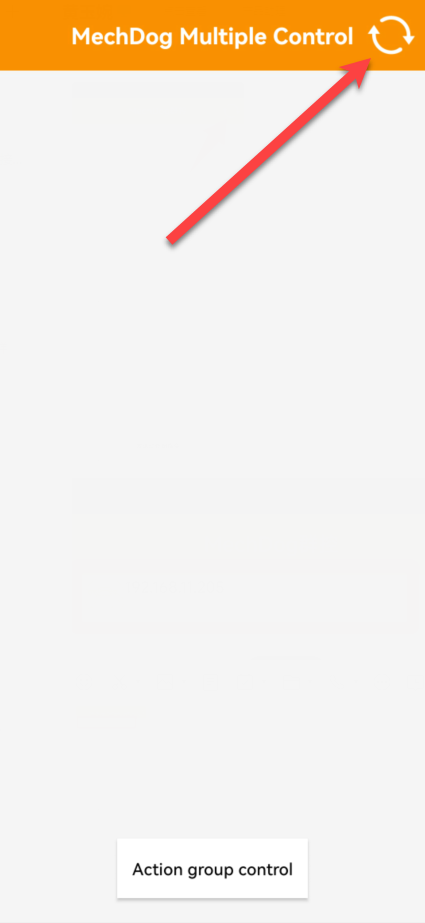
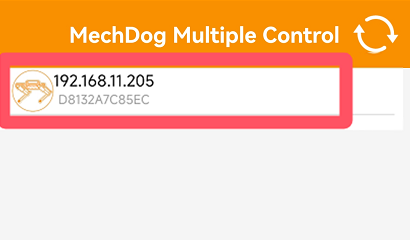
(6) Click the Send Action Group Command button below to select and execute the default action group; all MechDogs will perform this action simultaneously.
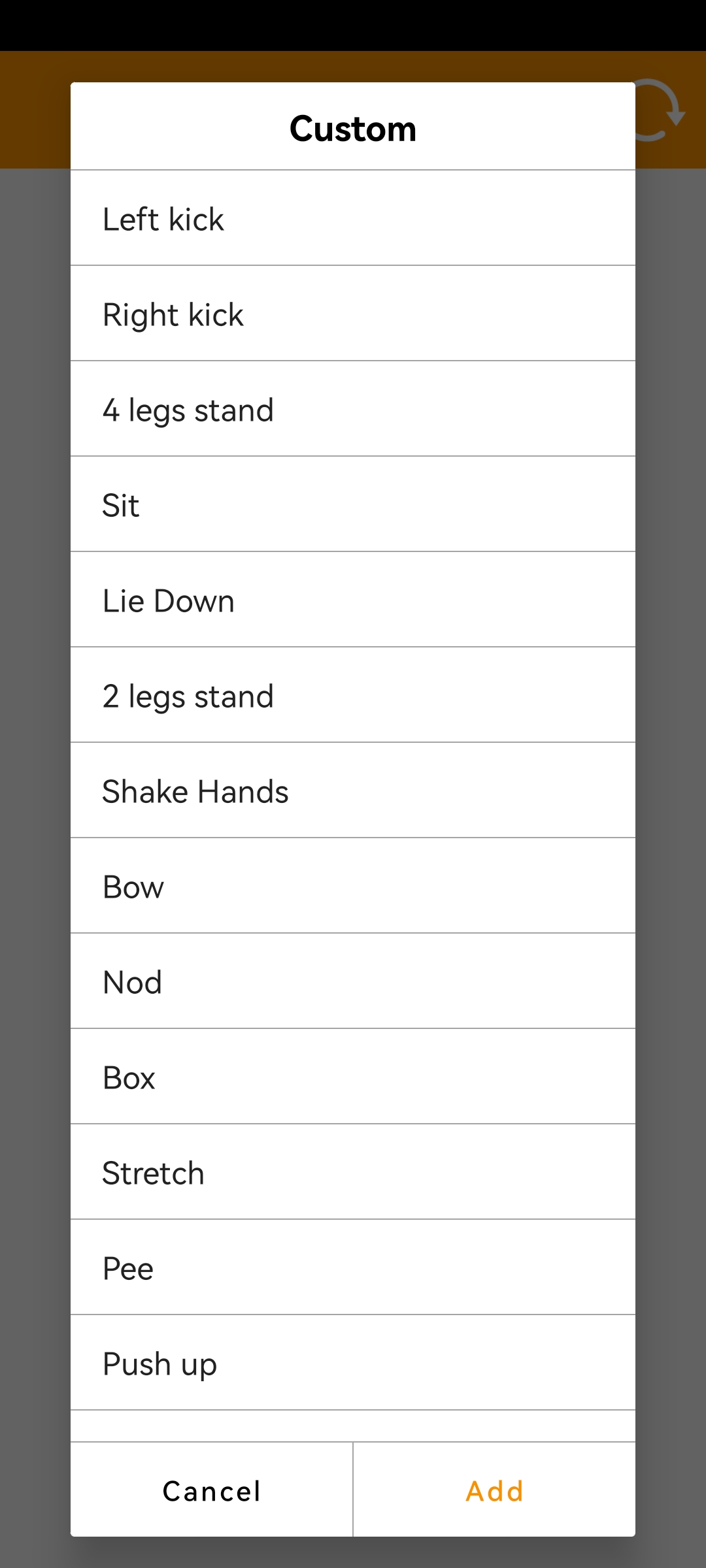
(7) To run user-edited action groups, import the action groups to each MechDog using the upper computer interface. After this, all MechDogs will be able to execute the custom action group.